
Nikon ZR - better than the competition?
Instead of creating a brand new sensor, Nikon decided to utilize the sensor from last year’s Nikon Z6 III and add some new video-centric features, such as a new RAW codec, internal LUT support, and a large 4-inch screen. The camera is the first serious attempt by Nikon to jump into the video market, although their previous models, like the Z8 and Z9, had some impressive video features, they were always aimed at photographers first. We got our hands on the camera and were excited to test it, comparing its performance to last year’s Nikon Z6 III and assessing whether there are improvements in video quality.
Sharpness
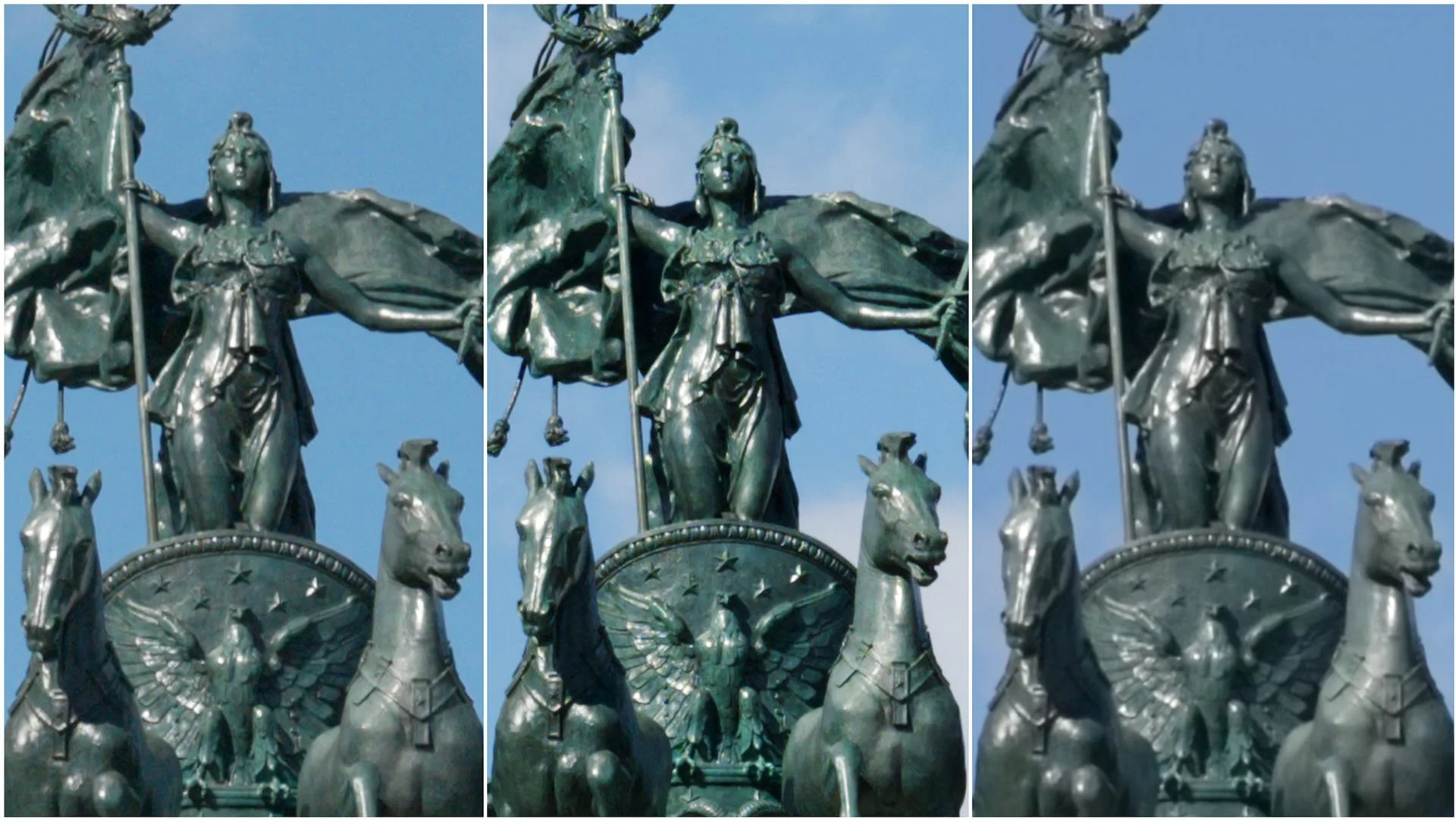
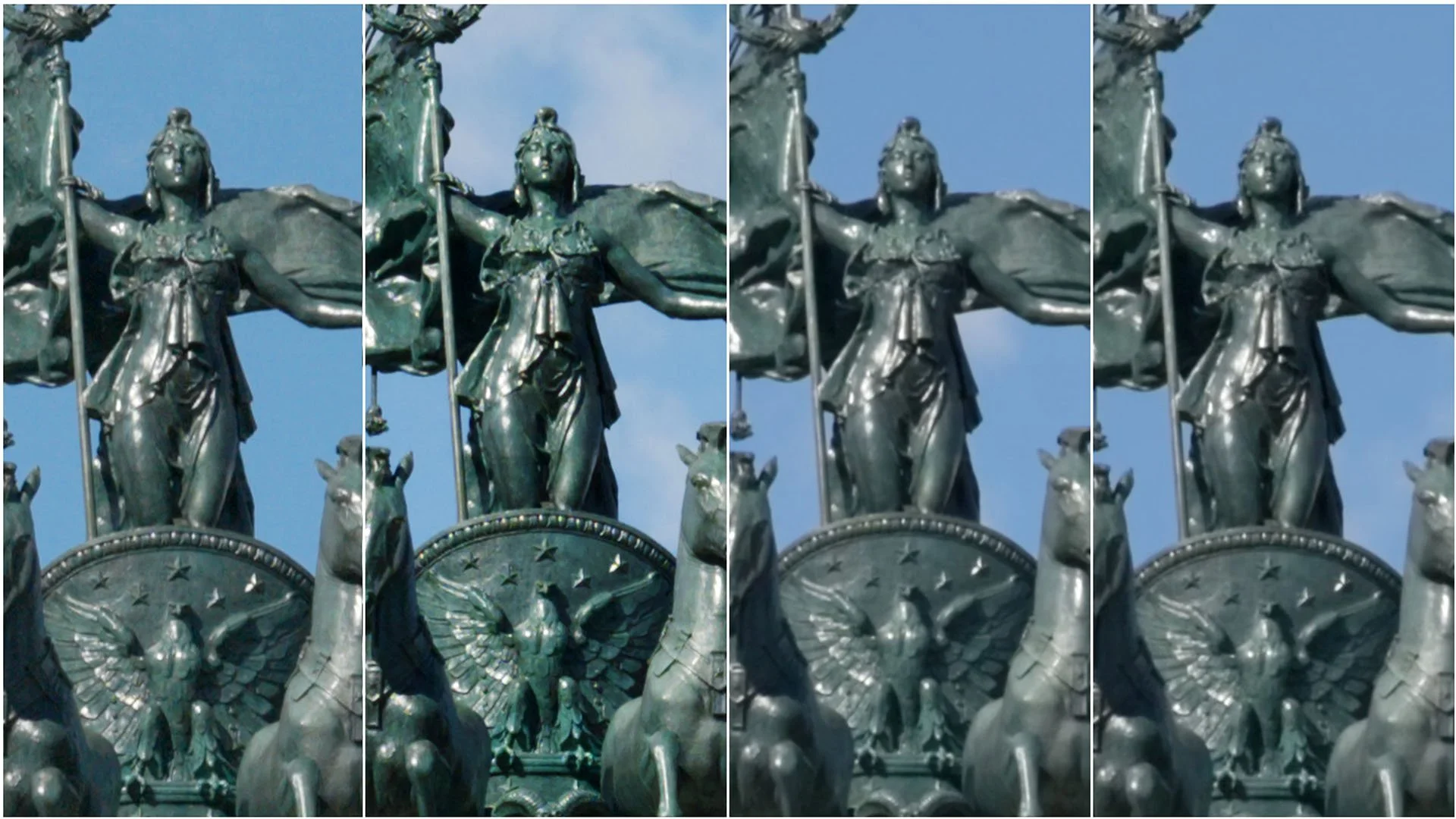
Sharpness tests yield very similar results to those of the Z6 III, with a few minor differences. There’s no visible difference in detail between 6K 24p and 6K 60p when using N-RAW or R3D NE. Both codecs produce very crisp and detailed images, with R3D NE being a little sharper.
H.265 isn’t technically full 6K since its resolution is 5376×3024, compared to 6048×3402 in RAW. This does reduce detail slightly, but it uses the same resolution as the Z6 III. Still, H.265 and ProRes HQ appear softer on the ZR than they did on that camera.
The average bitrate for H.265 files in 6K is around 60 Mbps, which is quite low. While bitrate doesn’t always determine sharpness, it may contribute here. When the bitrate is low, the file cannot retain small details, which is why film grain looks mushy when uploaded on YouTube. Even with ProRes HQ, which has a high bitrate, the detail level is the same as H.265, so something else is likely contributing to the image's softness.
Even so, H.265 footage looks perfectly usable. It just doesn’t hold up next to N-RAW or R3D, except in 4K mode. In 4K, both RAW formats are downsampled and slightly softer, with minor artifacts that only appear when zoomed in.
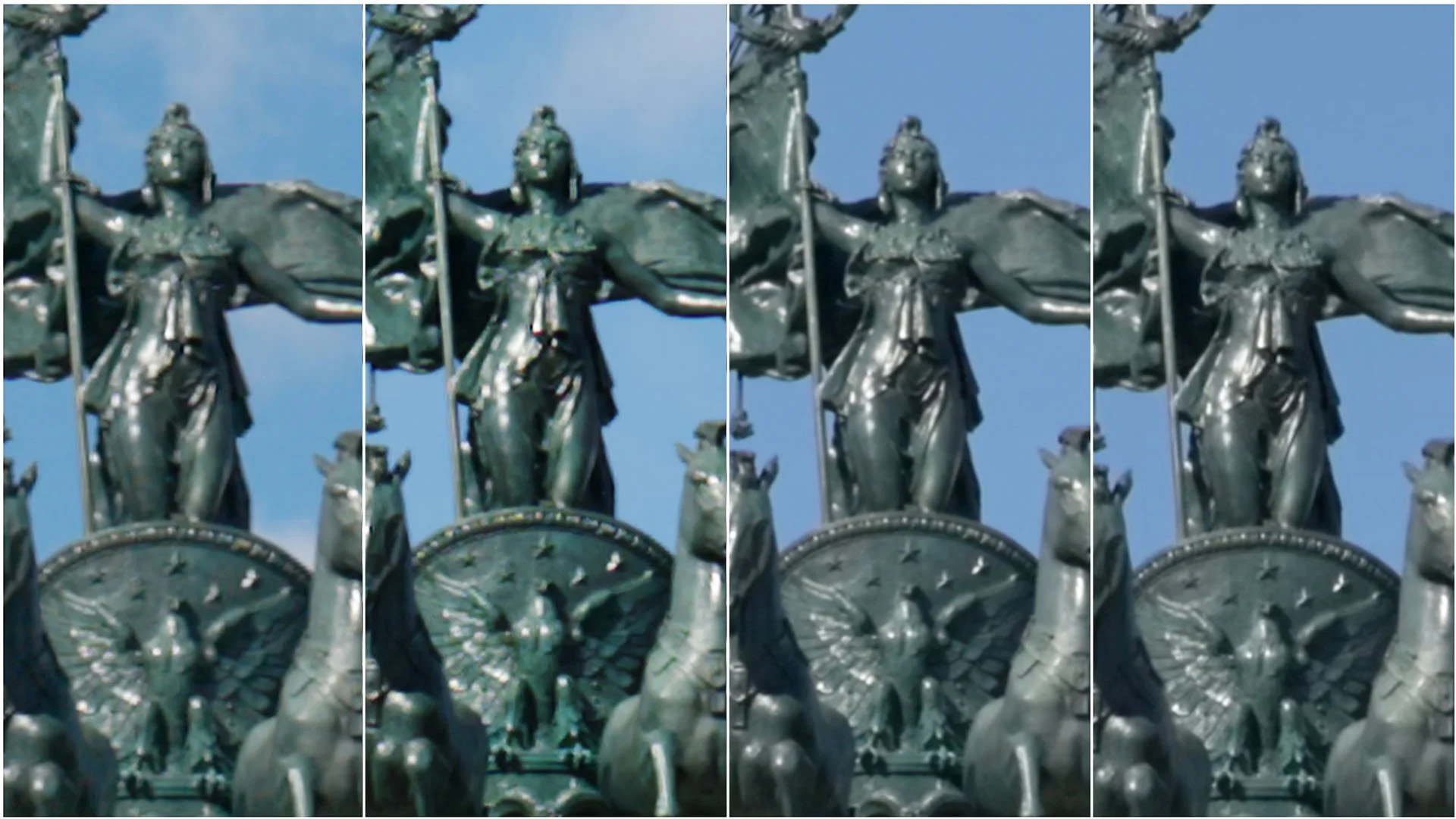
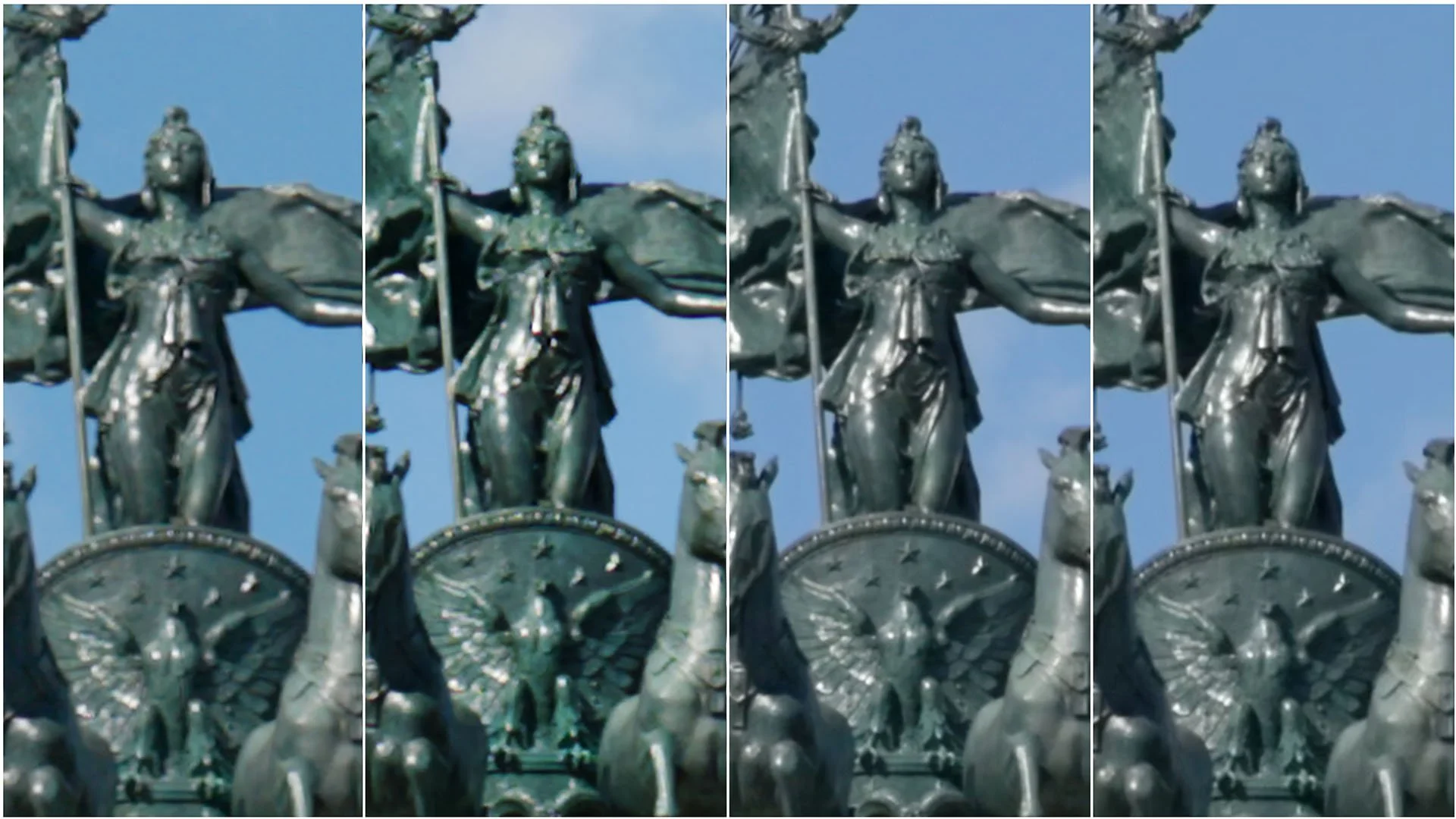
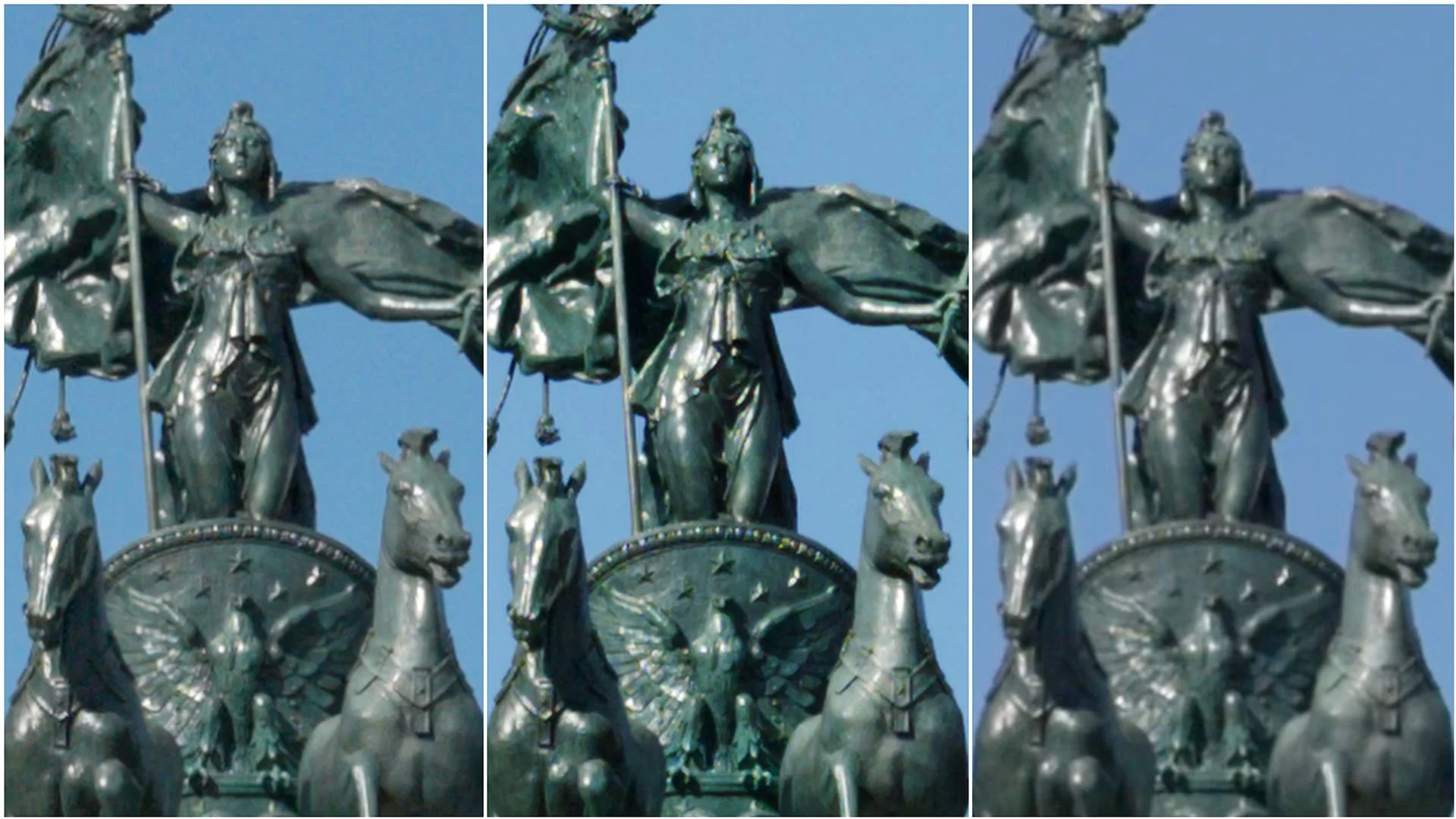
In 4K 120p, the camera applies a 1.5× crop, which results in RAW footage that’s noticeably more detailed than in 4K 24p or 60p, making it look much better than H.265 in that mode. The softness of H.265 in 6K is less of a problem than the low bitrate, which can cause artifacts and macroblocking during color grading.
Dynamic Range
Dynamic range performance is very similar to the Z6 III. The main difference is that the ZR shows less shadow flicker unless pushed to extreme underexposure.

R3D NE vs Nikon N-RAW High +5 EV
Surprisingly, R3D NE has slightly less highlight headroom than N-RAW High. We tested both at ISO 800 and in 6K 24P, and when exposure was pushed by four stops, R3D lost nearly a stop more highlight detail. We did a second test to make sure there were no errors, and the results were the same.
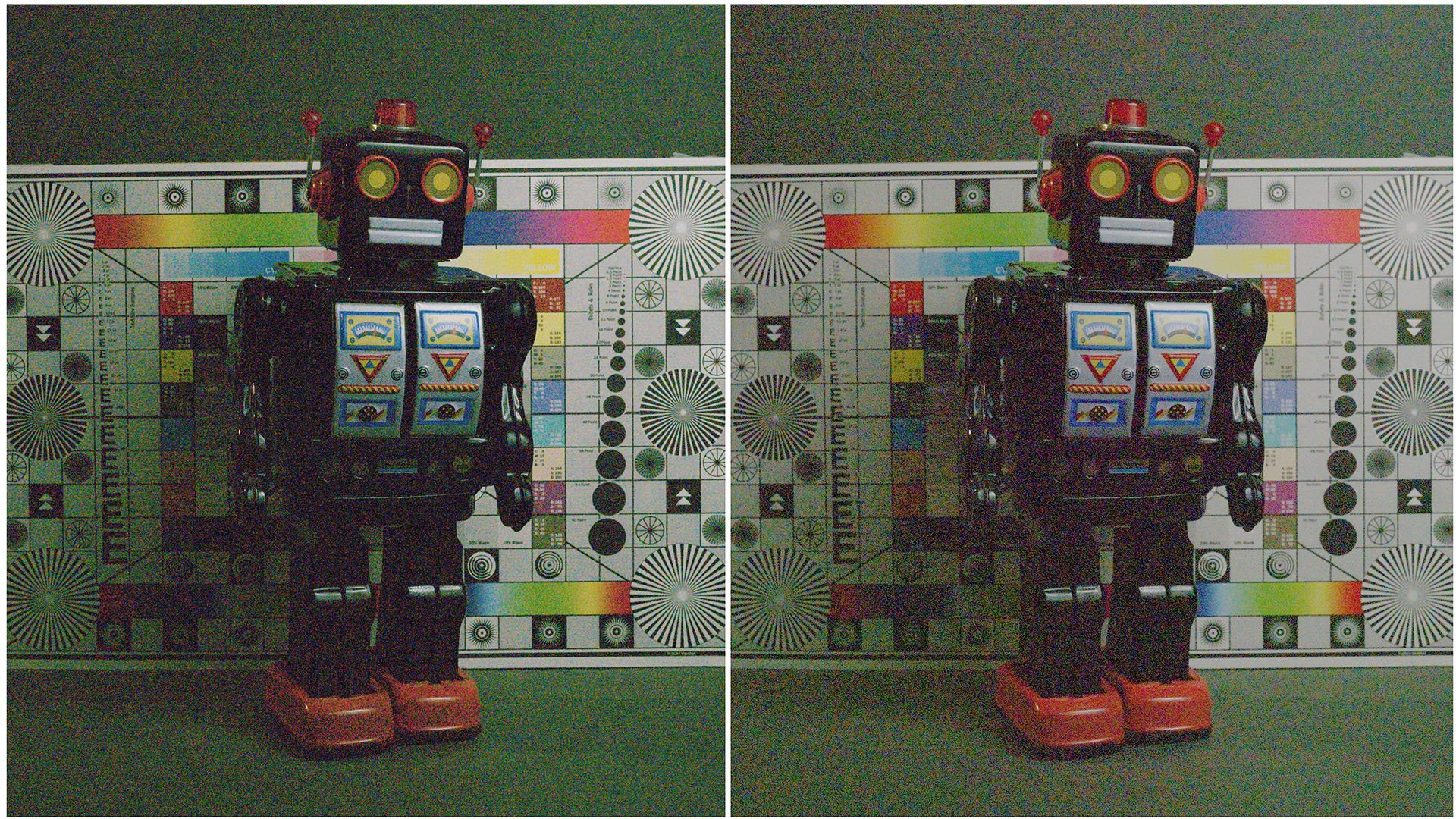
R3D NE vs Nikon N-RAW High -5 EV
In underexposure tests, both codecs performed similarly, with R3D NE showing slightly less chroma noise, which can be adjusted in the RAW metadata. R3D also has a little more visible shadow detail, so the overall dynamic range of the camera is the same between N-RAW and R3D, but the highlight and shadow distributions differ.
The camera can handle up to three stops of underexposure before the image becomes unusable, even with noise reduction.

Cinema Tools Nikon ZR Utility LUTs. Features in-camera monitoring LUTs when using R3D NE codec. The pack includes exposure compensation LUTs, false color LUT, black and white LUT, and highlight and shadow clipping indicator LUT.
The pack was created to expand in-camera functionality and add exposure metering tools.
ISO Performance
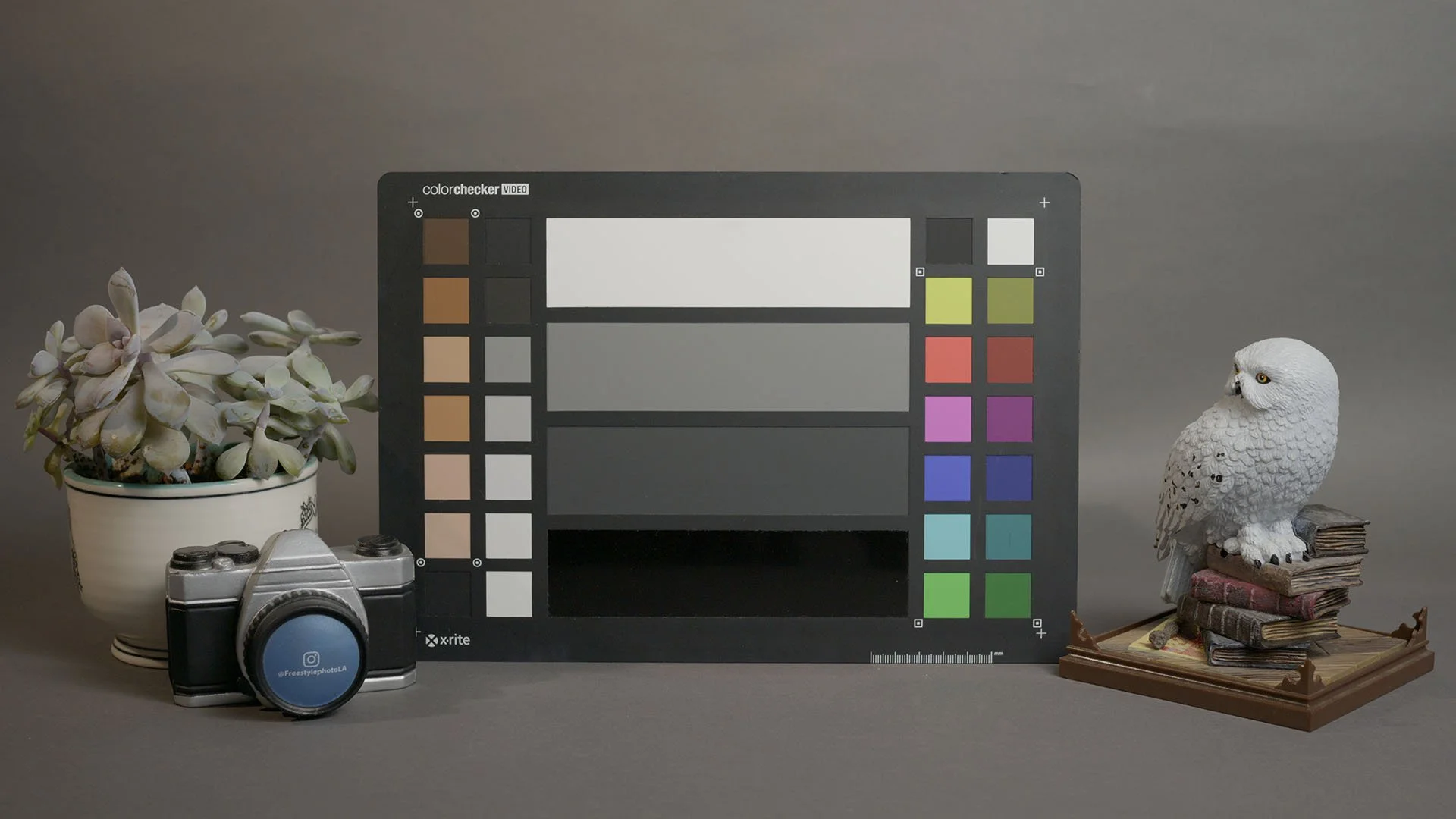
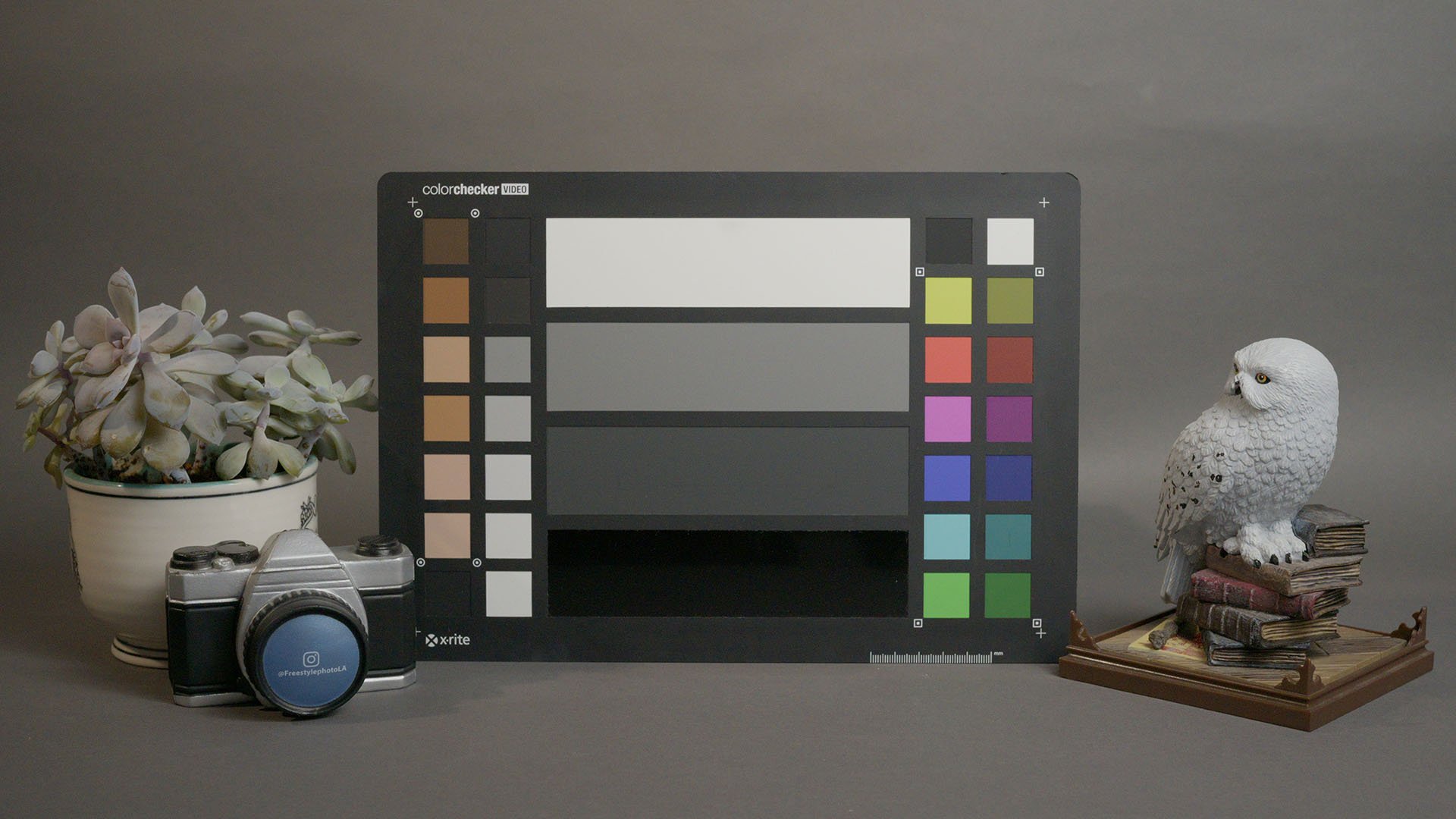
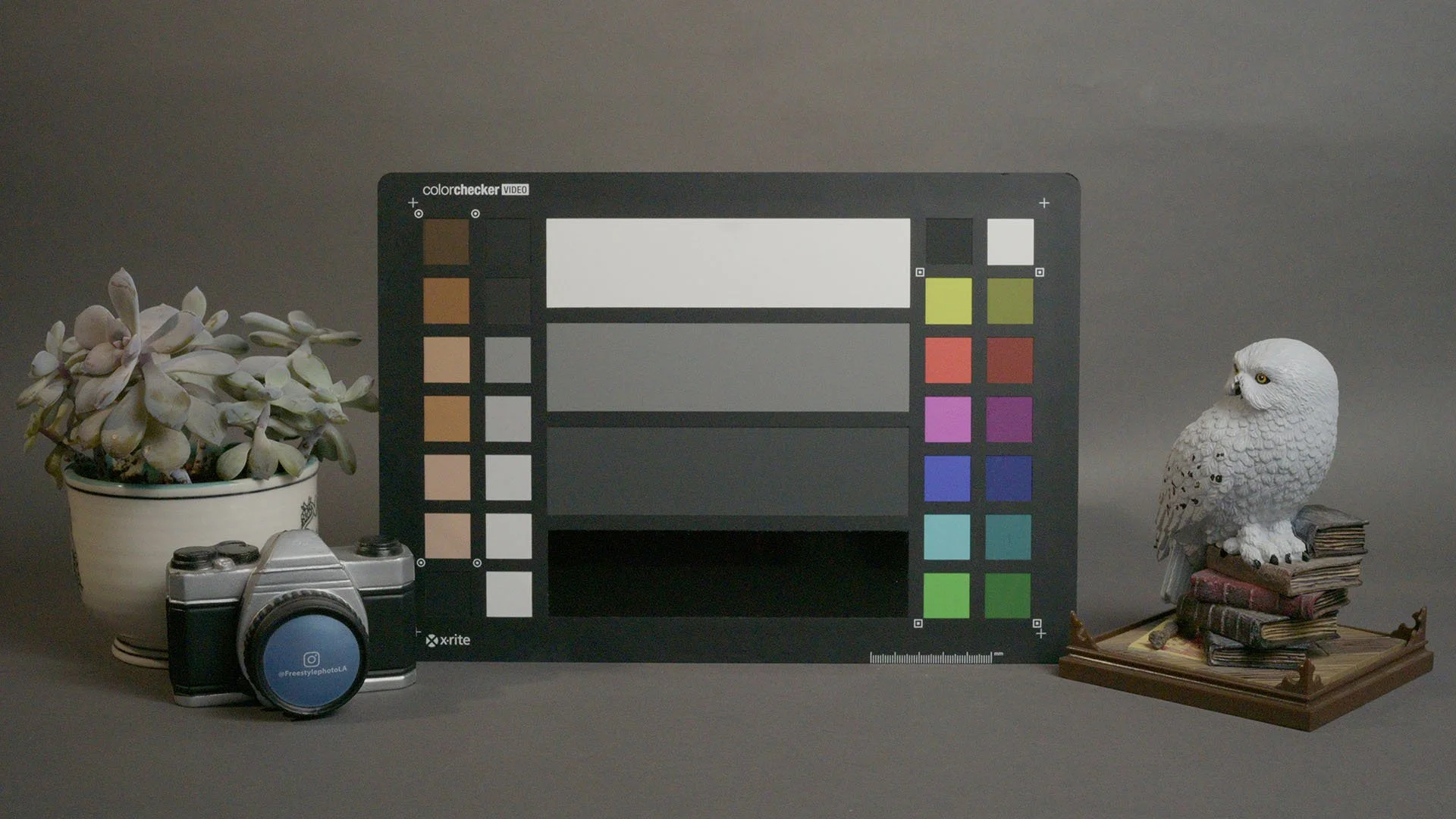
Low-light performance is good. The image remains fairly clean up to ISO 12,800. RAW formats like N-RAW and R3D NE show more visible noise than H.265 or ProRes HQ since there’s no in-camera noise reduction, but the grain looks fine and organic when not pushed too far.
Ergonomics
Although we usually focus on image quality, the ergonomics also need to be mentioned. This is where the ZR differs the most from the Z6 III.
The large and bright 4-inch display is one of the best improvements. It makes framing and judging exposure much easier. Nikon also added in-camera LUT preview, but it comes with a few limitations.
The LUT feature only works when shooting in R3D NE, not with other codecs. Navigating to the LUT options requires digging through several submenus, and you can’t assign a button shortcut or quick toggle for it. When the LUT preview is active, focus peaking is not working. Also, there’s no exposure meter when using R3D NE.
Fortunately, you can use False Color and utility LUTs for exposure control, but the implementation could be smoother. The menus need to be reworked and updated to make the camera operation more efficient.
Color
Since the ZR uses the same sensor as the Z6 III, the N-Log color response is identical. There’s also a new “hack” with the ability to rename Nikon’s RAW files in R3D, which fixes the blue channel clipping, but the color looks different and less accurate compared to the native R3D.
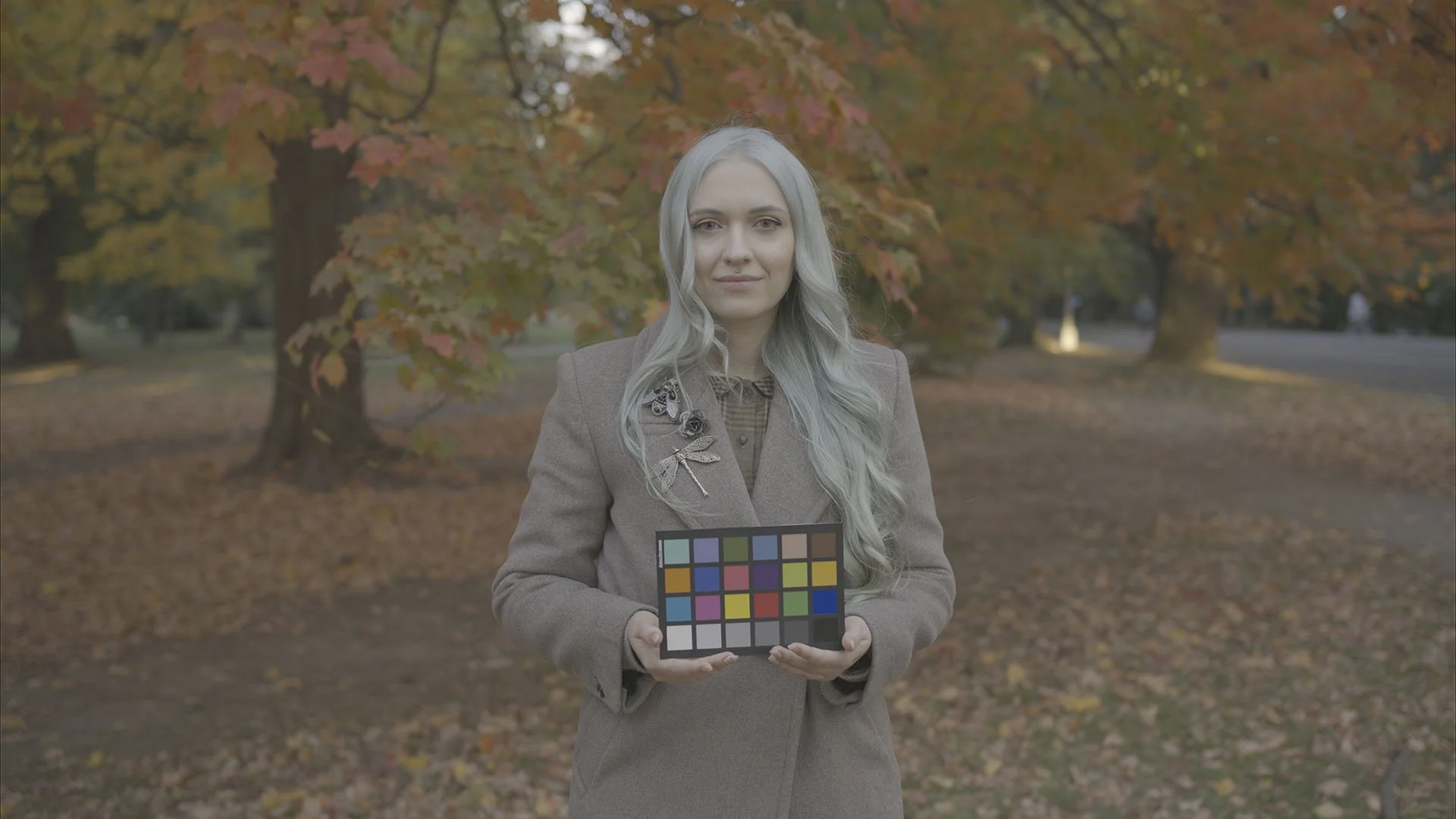
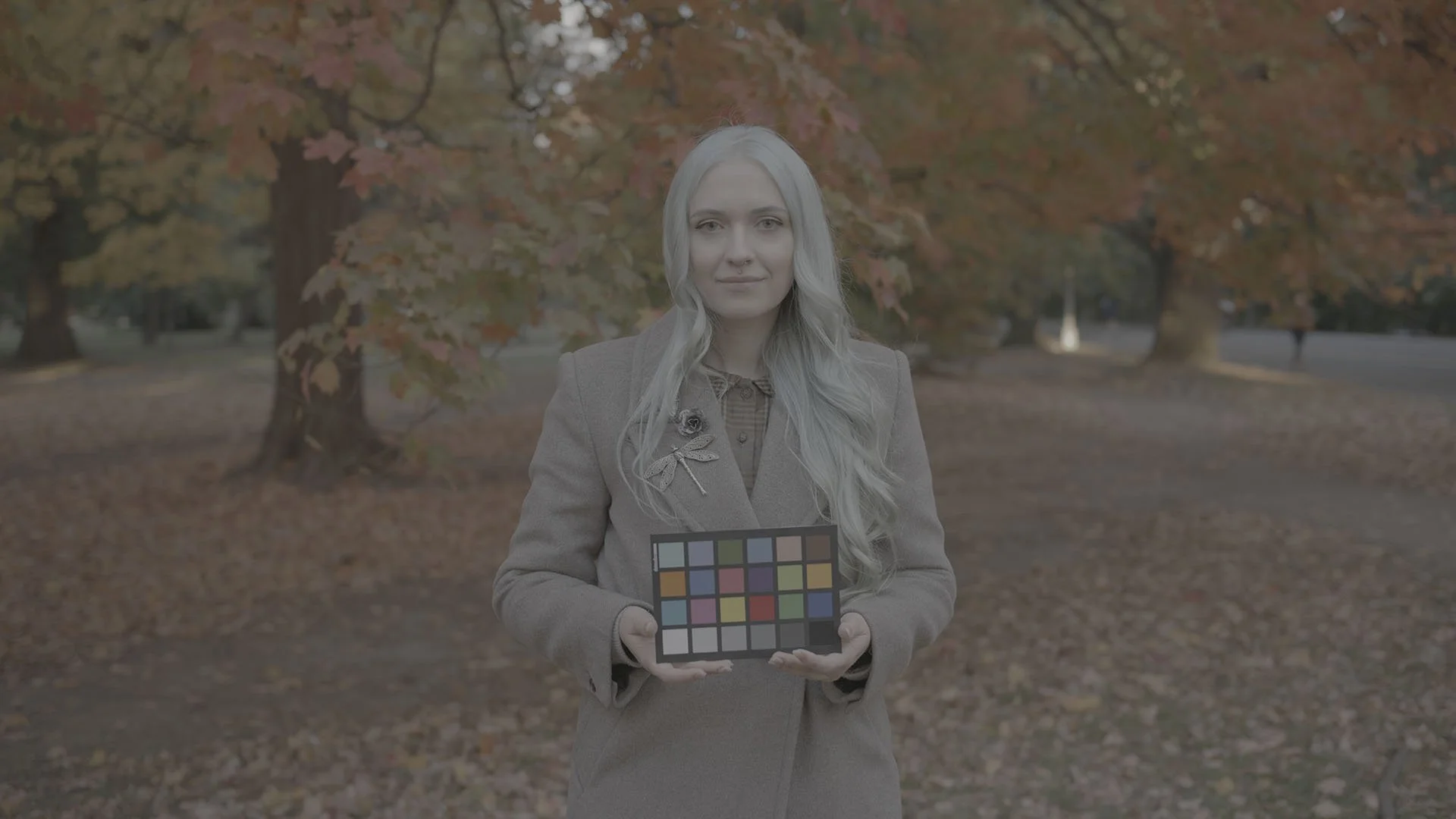

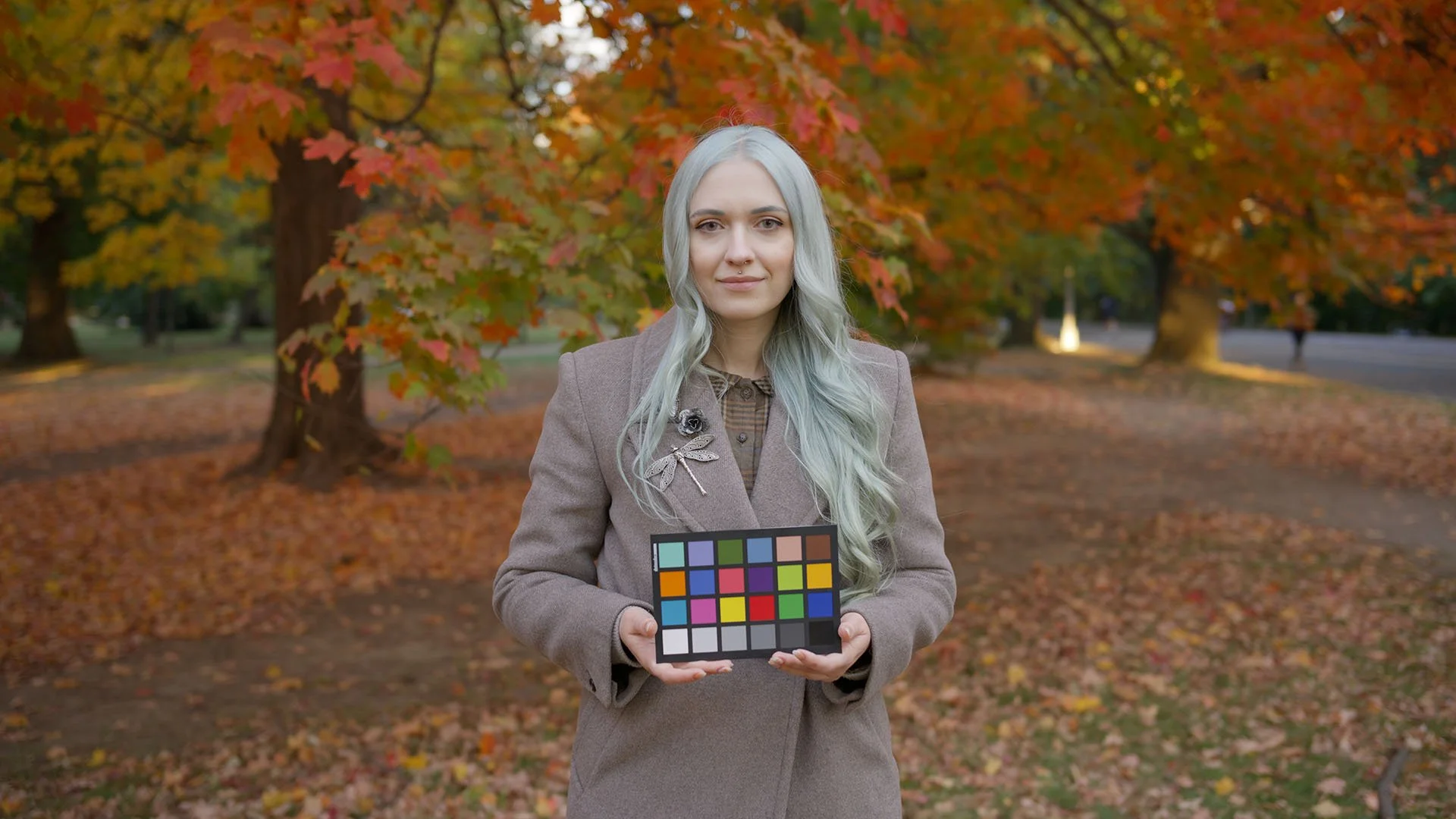
The difference between N-Log and RedLog3G10 (when recording in R3D NE) is noticeable in certain colors, especially reds, yellows, and blues. Both profiles look great, but if I had to pick one, I would give a slight edge to Red Log3 in how it renders colors.
RedLog 3 G10 on the Nikon ZR feels the closest to that Arri Alexa look, which you can bring even closer with our Enhance A LUT.
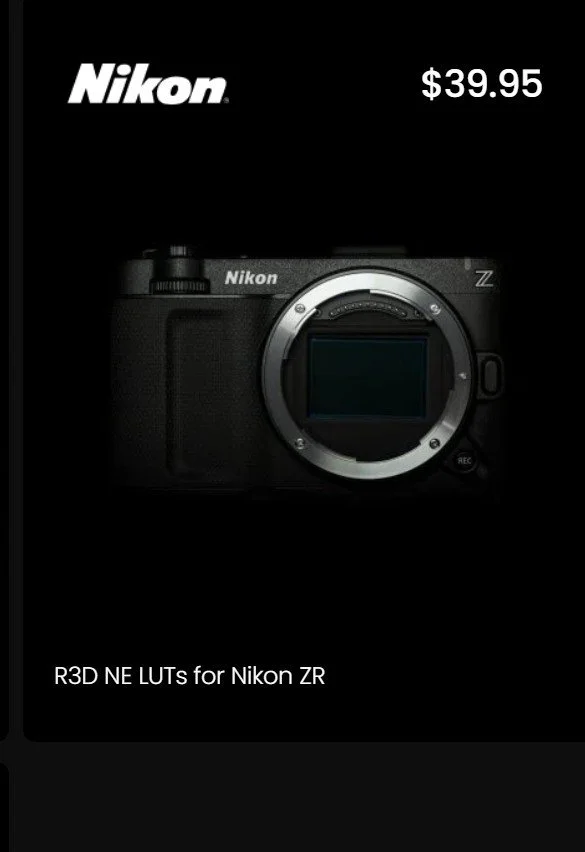
High-quality cinematic LUT package for Nikon ZR. Supports Nikon R3D NE codec and RED LOG3G10 Gamma.
The LUT features improved color response, great-looking skin tones, and a smooth contrast curve to protect highlight detail.
Each pack comes with four LUTs for maximum flexibility, as well as in-camera monitoring versions of the LUTs.
Click here for the examples.
Conclusion
The Nikon ZR is a capable camera with excellent image quality. The biggest differences from the Z6 III are the screen and ergonomics. The addition of R3D NE is valuable, but it’s not as transformative as some expected.
It probably won’t make FX3 owners switch, even though the RAW image quality is superior in some ways. To truly compete, Nikon needs to improve ergonomics further and add compressed RAW options. Nikon ZR is much cheaper than FX3, though, but you can still get similarly priced Sony ZV-E1 or Panasonic S5 II, or Blackmagic Pocket 6K, if RAW is important. Still, all the other cameras in this price range lack some features or have some quirks, so there’s no ideal option.
File sizes for R3D and N-RAW are still a concern for practical workflows, with both using 1500 mb/s per second in 6K 24P. While the image quality is excellent when filming in RAW, the file sizes make it harder to justify for most productions.
Having an open-gate recording capability would also help increase this camera’s popularity, as vertical filming and anamorphic lenses are currently very popular.
Nikon has a strong track record of adding features through firmware updates, so there’s hope we’ll see these improvements in the future.